Brand
Brand assets
Everything that makes Scribe Simulator Studio look like itself — the mark, the palette, the type and how to use them.
Logo variants
Four official files. All are transparent PNGs at 1024×1024.
Download social preview card (1200×630)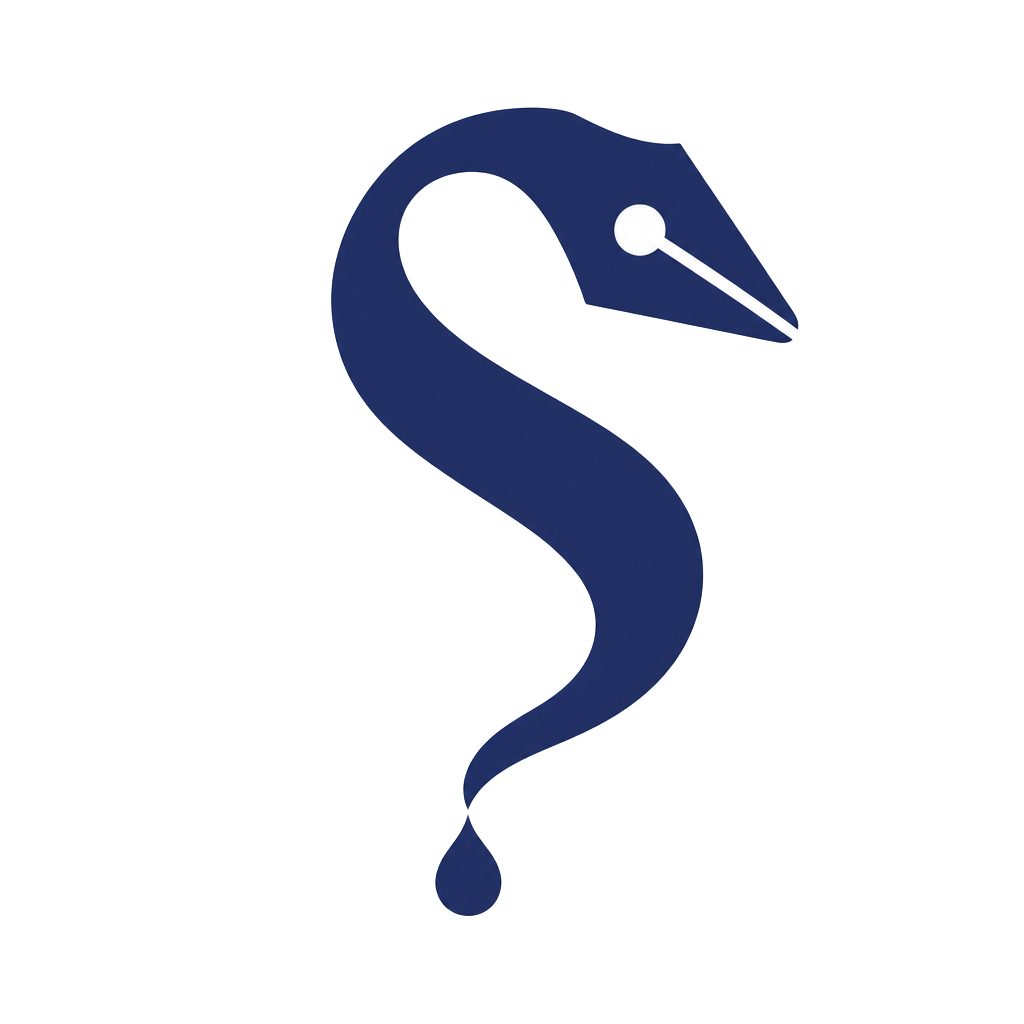
Colour palette
- Ink Indigo#222E5C · Primary brand mark, headings
- Clay#C4643D · Accent dot, highlights, links
- Paper Cream#FBFAF7 · Page background
- Graphite#2B2B31 · Body text
- Soft Border#E5E3DE · Rules, card edges
Typography
Lora — headings
Nunito Sans — body copy, UI labels and captions.
Logo lock-ups
 Scribe Simulator StudioScribe Simulator Studio
Usage rules
- ✔ Keep clear space around the mark equal to the height of the nib.
- ✔ Use the inverted mark on Ink Indigo or photography.
- ✘ Don't stretch, rotate or re-colour the mark.
- ✘ Don't place the mark on busy backgrounds or low-contrast tints.
- ✘ Don't substitute the wordmark typeface — it is always Lora.